Ignition Interlock Devices with Mobile App Integration: What Modern Tech Offers
Disclaimer
The information in this blog is for general informational purposes only. Information may be dated and may not reflect the most current developments. The materials contained herein are not intended to and should not be relied upon or construed as a legal opinion or legal advice or to address all circumstances that might arise. You should contact your attorney to obtain advice with respect to any particular legal matter. Only your individual attorney can provide assurances that the information contained herein – and your interpretation of it – is applicable or appropriate to your particular situation. Links to any third-party websites herein are provided for your reference and convenience only; RoadGuard Interlock does not recommend or endorse such third party sites or their accuracy or reliability. RoadGuard Interlock expressly disclaims all liability regarding all content, materials, and information, and with respect to actions taken or not taken in reliance on such. The content is provided “as is;” no representations are made that the content is error-free.
An ignition interlock that can't talk to your phone can feel out of step with everything else you manage from an app. It works, but you may be missing real-time alerts, appointment reminders, and account access that could save you a surprise violation or a missed calibration window.
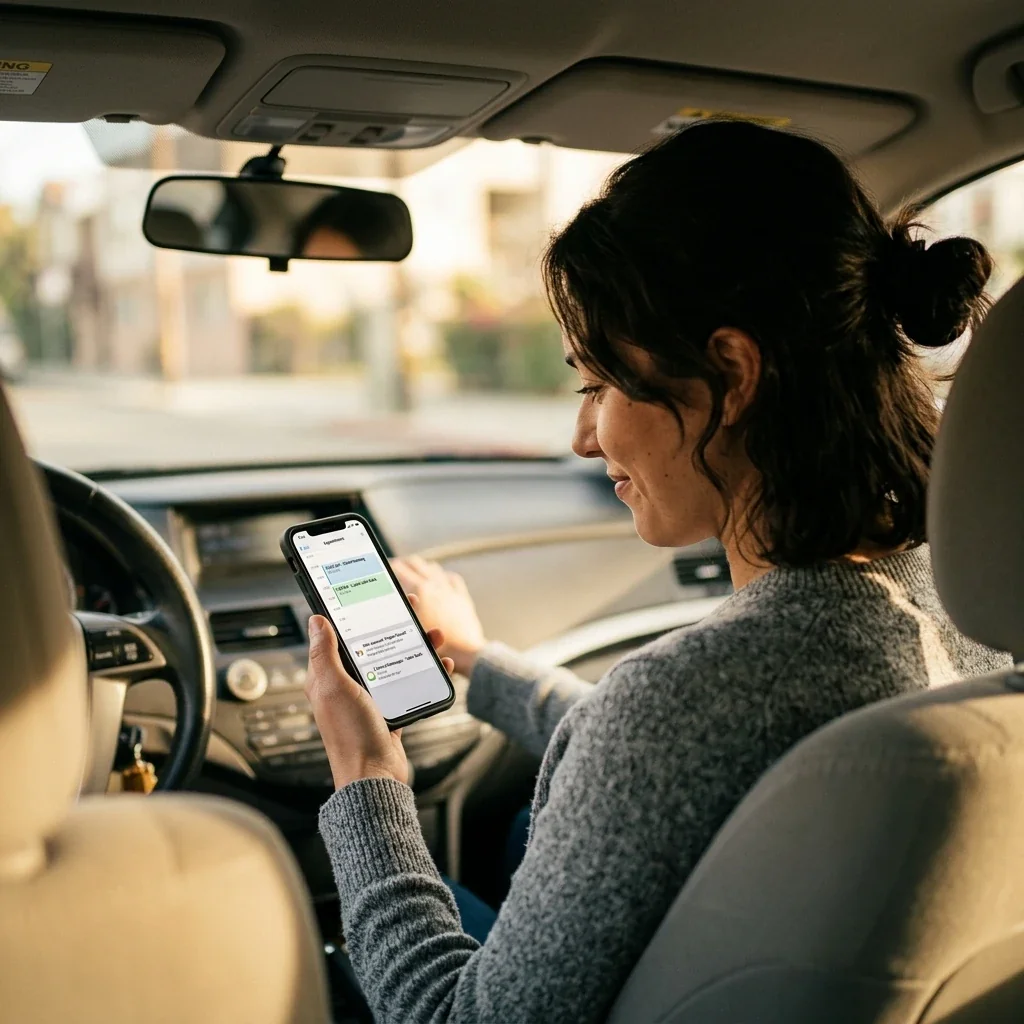
The gap between "installed and functional" and "installed and actually manageable" often comes down to whether your provider offers meaningful mobile app integration. Below, we break down what app-connected interlocks typically deliver, which features genuinely matter for staying compliant, and where things still vary from provider to provider. One note first: features and rules differ by provider and state, so confirm what's actually available in your area before you sign.
What an Ignition Interlock Does Under the Hood
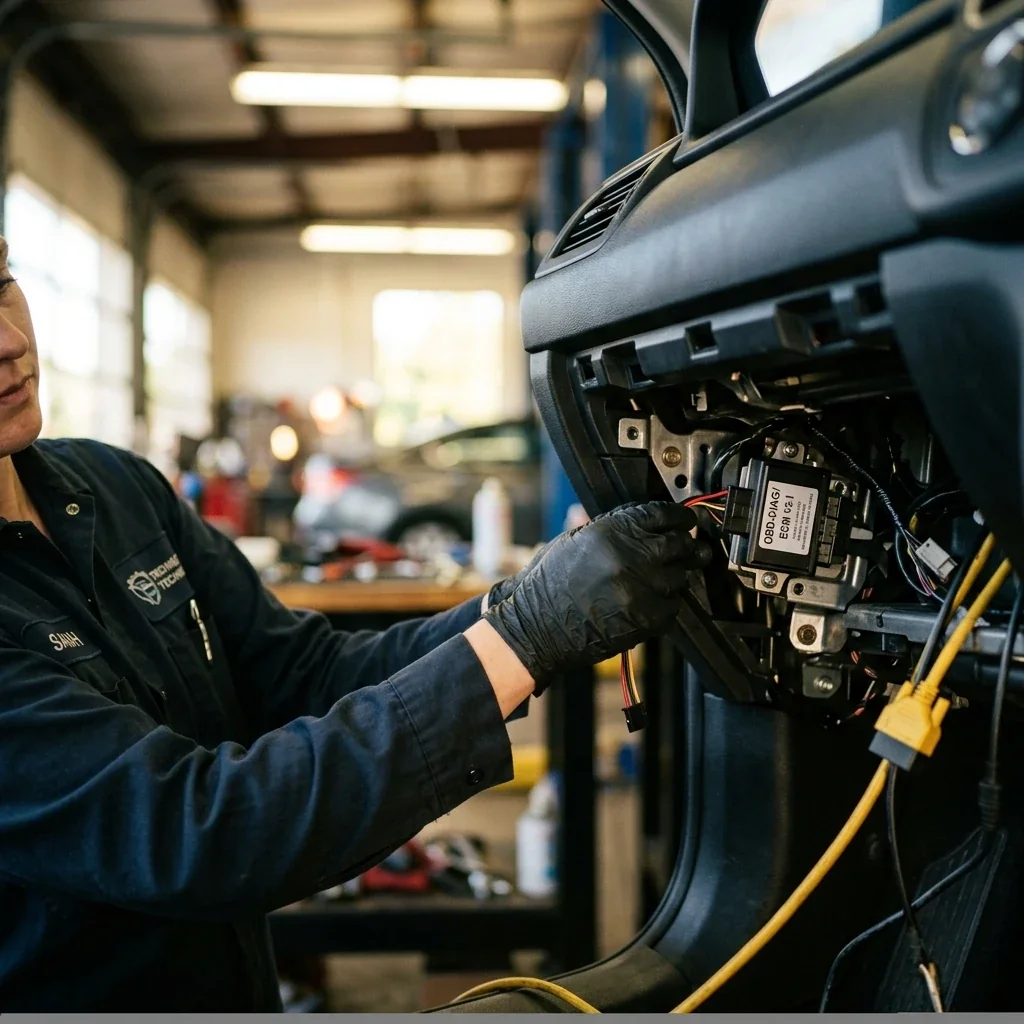
Before app features, it helps to understand the hardware. An interlock wires into your vehicle's starter system and requires a breath sample before the engine turns over. If it detects breath alcohol above your state's programmed threshold, it prevents the vehicle from starting. In daily use, you provide a startup test every time you drive, plus rolling retests at intervals while the vehicle is running, and the device logs every event (passed tests, failed tests, skipped retests, and any signs of tampering). All of that data flows to your monitoring authority on a regular reporting schedule.
On a schedule set by your program, you'll also bring the vehicle to a service center for calibration, since the sensor drifts slightly over time and recalibration keeps readings accurate. Miss that appointment and most states treat it as a violation, which is exactly why app reminders matter. Understanding how an interlock device works makes the value of those reminders clear.
How a Mobile App Keeps You Compliant
This is where modern tech changes the experience. A well-designed app acts as a command center for the parts of your program you'd otherwise track by hand or discover too late. Feature sets differ by provider, but the industry has converged on a few core capabilities.
Calibration Reminders and Scheduling
This is the feature with the highest practical impact. Rather than relying on a paper card or memory, the app pushes notifications as your calibration window approaches, and some providers let you book or reschedule directly in the app. Missed calibrations remain one of the most common reasons people get violations, so an automated reminder a couple of weeks out, followed by a second alert closer to the deadline, catches the moments a busy schedule creates.
Event History and Compliance Data
Most app platforms display a log of recent tests, with timestamps, results, and any flagged events. That transparency matters more than it seems. If you get a reading from mouth alcohol (mouthwash, certain foods), you can see the event yourself and be ready to explain it at your next service visit instead of getting blindsided. In many states, vendor-submitted electronic compliance data feeds directly into licensing decisions, which means the data your device records and your app shows is the same data influencing when you get your full license back.
Billing and Payment Tools
Lease payments, service fees, and any additional charges are easier to manage when the app provides billing visibility. Some platforms allow direct payment while others simply display invoices and history, but either way it beats calling in to check a balance.
What the App Controls vs. What Stays on the Device
One distinction most marketing pages skip: the app does not replace or control the physical device. You still blow into the device every time you start your vehicle. The app doesn't bypass tests, change your threshold, or override a lockout. The device handles all safety-critical functions (breath sampling, engine control, tamper detection, rolling retests), while the app handles account management, scheduling, notifications, and data visibility. These layers complement each other but operate independently by design, because regulators require the testing and enforcement side to stay tamper-proof and hardware-based. Industry best-practice guidance generally treats features like camera verification, secure event logging, and remote data transfer as reasonable expectations for a modern interlock, which is a useful benchmark when evaluating a provider.
Interlock vs. Remote Breathalyzer Monitoring
Shoppers sometimes encounter "remote breathalyzer monitoring" products and wonder if they're the same thing. They aren't, and the difference matters. An ignition interlock physically prevents your vehicle from starting if alcohol is detected; it's vehicle-based and typically court-mandated for DUI programs. Remote breathalyzer monitoring is a portable or phone-based device that requires scheduled or random tests regardless of whether you're driving, and courts may order it for sobriety programs not tied to vehicle operation. If your court order specifies an ignition interlock, a remote breathalyzer won't satisfy it. If you're exploring daily life with an interlock, understanding this distinction prevents costly missteps.
What RoadGuard Interlock Supports Today
RoadGuard Interlock's service model centers on the Dräger Interlock 7000 (and the Dräger Interlock XT), which is one of the faster devices to warm up and is built to operate reliably in extreme temperatures, useful if you live somewhere with harsh weather. On the app side, RoadGuard provides account-management tools and service coordination through its digital platform, with calibration reminders, service scheduling across its locations in the many states it serves, and billing support to keep program management straightforward. Optional camera and GPS capabilities are available where states or courts require them.
A word of honesty: not every feature described as "industry-typical" above is guaranteed to match every provider's app. If a specific feature matters to you, ask about it directly before signing your lease. RoadGuard's support team exists for exactly these questions.
Match the Program to Your State's Requirements
Many states now enforce all-offender interlock laws, and requirements vary. Some mandate camera verification, others set specific calibration intervals, and your provider needs state approval in your jurisdiction, so the app features available may vary with local rules. When evaluating options, prioritize providers who clearly explain which features are available in your state, handle troubleshooting and malfunctions responsively, and don't bury fees in fine print. Three questions cut through the marketing: Does the provider offer app-based calibration reminders? Can you view your event history digitally? And what happens if you need help understanding how to use your device at 2 a.m.? The answers tell you more than any brochure.
Frequently Asked Questions
Will the app work if my phone is offline or I have poor service?
Most apps still let you view previously synced information, but new updates, reminders, and payments typically require a connection. If you frequently lose service, ask your provider how often the app syncs and what happens when data can't upload right away.
How do apps handle privacy, and who can access my data?
Access is usually governed by your provider, your signed program paperwork, and state rules, with data shared only with authorized parties like monitoring agencies. Before signing, request a plain-language explanation of what's collected, how long it's kept, and whether you can get a copy for your records.
What should I ask to confirm app features before I sign?
Ask for a feature list specific to your state and have them show you screenshots or a live demo, not just a brochure. Also confirm whether notifications, payments, and messaging are included or require add-ons, and whether there are app-related fees.
Can I manage multiple vehicles or drivers in one account?
Some providers support multi-vehicle or delegated access while others restrict accounts to one participant and device. If your household shares cars or you have a work vehicle, verify how the provider handles permissions, notifications, and accountability for each vehicle.
What happens if I switch phones or need to reinstall the app?
You typically log back in and re-verify your account, though security steps vary by provider and state. To avoid missed notices, ask how to update your contact details immediately and whether reminders can also come by email or text as a backup.
Are there accessibility features for visual, motor, or language needs?
Many interlock apps rely on your phone's built-in accessibility tools like screen readers, larger text, and voice input, but support can be inconsistent. If accessibility matters, confirm compatibility with your phone's accessibility settings and ask whether the provider offers multilingual support.
How do I avoid notification fatigue while staying on top of deadlines?
Use notification settings to prioritize time-sensitive alerts like service deadlines and account issues while muting low-priority updates. Pairing the app with a personal calendar reminder creates redundancy without constant push notifications.
Your Next Step Toward a Simpler Interlock Experience
App integration doesn't make an interlock invisible, but it does make the program manageable. Calibration reminders prevent unnecessary violations, event logs give you visibility into your own data, and billing tools keep surprises off your statement. These aren't luxury features anymore; they're a reasonable baseline for any provider worth your lease payment.
RoadGuard Interlock combines Dräger's proven device technology with a service network in the many states it serves and digital tools designed to keep your program on track. If you're ready to get started or want to confirm which features apply in your state, schedule your install, and ask about any current promotions for new customers, since offers vary by location.
Disclaimer: This article is provided by RoadGuard Interlock for general informational purposes only and is not legal, financial, or medical advice. DUI and ignition interlock laws, penalties, fees, and program requirements differ from state to state and county to county, and they can change at any time. Any costs, timelines, or figures mentioned are general estimates rather than quotes or guarantees. Please do not rely on this article as a statement of the law where you live. Confirm current requirements with your state DMV, the court handling your case, a licensed attorney, or RoadGuard Interlock directly before making decisions. Device features, pricing, availability, same-day installation, and any promotions referenced are subject to change, vary by location, and may not be offered in every state RoadGuard Interlock serves.